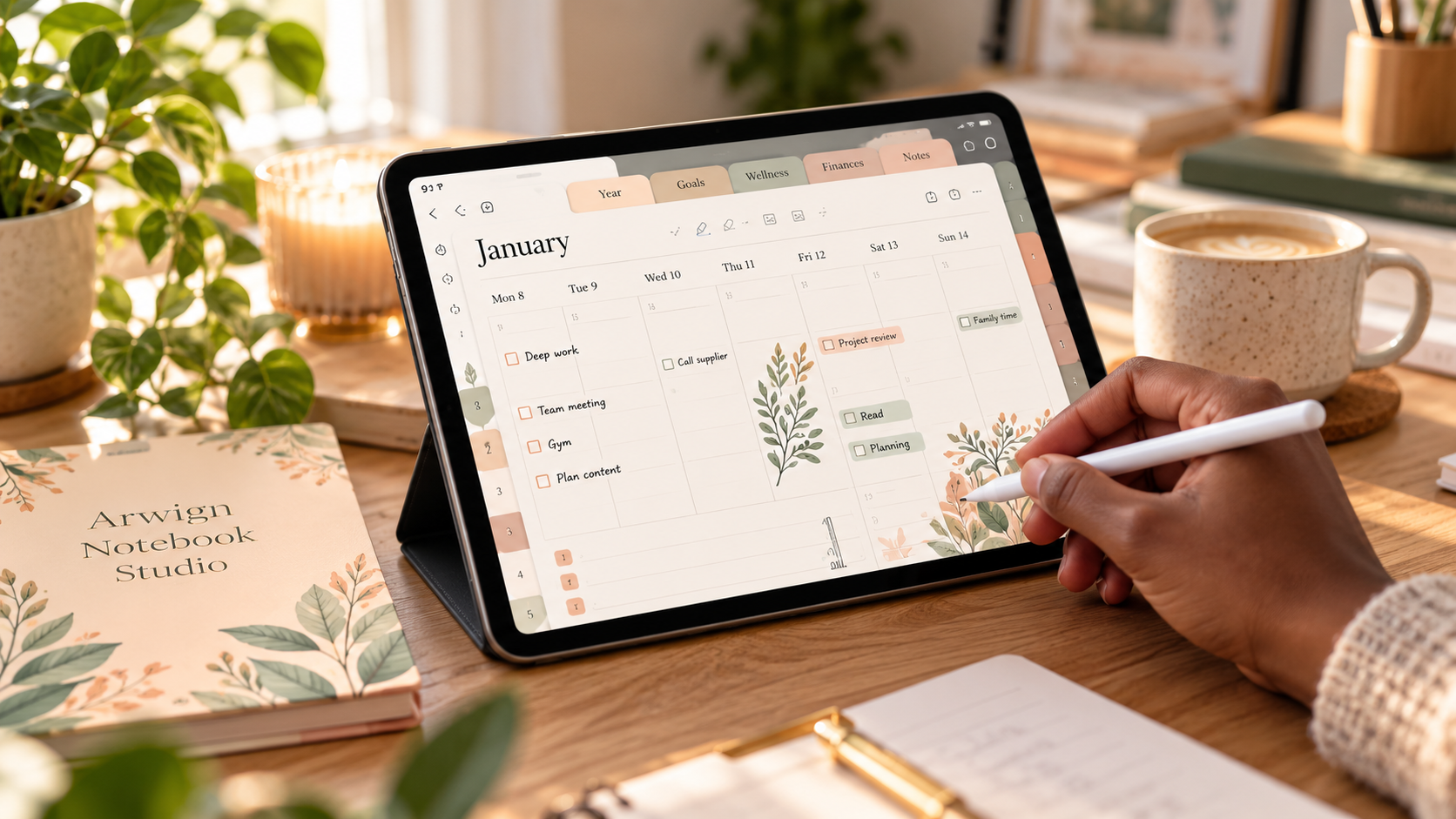
et up your digital planner in GoodNotes in ten minutes, and learn the three small habits that keep you using it past February.
Featured in this article
Arwign Notebook — Studio
Most planners don't fail in December. They fail on a quiet Tuesday in late January, when the novelty has worn off, the pages are still pristine, and the planner has quietly become one more thing you feel guilty about.
Digital planners are meant to fix that. They live on the device you already carry, they never run out of pages, and a single tap takes you from your year to your week. But only if you set them up properly on day one. This guide takes about ten minutes, and it's the difference between a planner you admire and a planner you use.
Step 1: Import it the right way
When you buy a hyperlinked planner, you'll download a PDF. Don't just open it in your Files app, because that view doesn't support handwriting or tabs.
- Open the PDF on your iPad, tap the Share icon, and choose Open in GoodNotes.
- When GoodNotes asks, select Import as new document.
- Give it a clear name, like "2027 Planner" rather than "planner_final_A5_v2".
If you prefer Notability, the process is the same. Share the file and choose Notability instead.
Step 2: Switch to read-only mode to test your links
This is the step almost everyone misses. In GoodNotes, links only respond when you're not in writing mode. Tap the pen icon to toggle it off, then tap a tab or a date. You should jump straight to that page.
Spend two minutes tapping around: the year view, a month, a week, a tracker. Every Arwign planner is hyperlinked throughout, so you should never need to scroll through hundreds of pages to find today.
Step 3: Choose your one "home" page
Every planner has a page you'll return to most often. For some people it's the weekly spread; for others, the daily page. Decide which is yours, then bookmark it with the ribbon icon in GoodNotes.
Now, when you open the planner, you land where you actually work. Friction is the quiet enemy of every good habit, and this removes most of it.
Step 4: Set up your pens once
Pick three pens and stick with them:
- A dark pen for writing (black or deep brown)
- An accent colour for anything important
- A highlighter for things that are done
Save them as favourites. Fewer choices means faster, calmer planning, and pages that look intentional rather than chaotic.
The three habits that keep you planning past February
Setup is the easy part. Here is what separates people who plan from people who own planners.
1. Plan at the same moment every week. Choose a trigger you already have, such as Sunday tea or the Monday commute. Ten minutes, same time, every week. Consistency beats intensity.
2. Lower the bar for a "good" day. A planned day doesn't need a colour-coded schedule. Three priorities, written down, is a win. If you only open the planner to tick one thing off, that still counts.
3. Never restart. Just resume. Missed a week? Don't redo the month or buy a new planner. Tap to today and carry on. This is the quiet superpower of a digital planner: blank pages don't stare at you, and there's no crumpled paper to prove you fell off.
Why hyperlinks change everything
A paper planner asks you to flip. A basic PDF asks you to scroll. A properly hyperlinked planner lets you think in the same way your mind moves: from the big picture to today and back again, in a single tap.
That's why every Arwign planner is built with linked tabs, linked calendars and linked trackers, in A4, A5 and US Letter, so it fits whichever device you use. We test every link before a planner is released, because a planner that doesn't flow simply won't get used.
Your next step
If you already have a planner, open it now and do Steps 1 to 3. It will take less time than your next cup of tea.
If you're still looking for the right one, browse the Arwign Planners collection. Each planner has one clear purpose, a calm design, and links that work the first time you tap.
Planners for this article
Arwign Notebook — Studio
Fully hyperlinked and GoodNotes-ready — import it with the steps in this guide and land on today in a tap.
ViewThe Anchored Day
ViewNeurodivergent Set — ADHD-Friendly Planner
ViewPlan it in Arwign Calendar
Written by
David @Arwign
Writes for Arwign Planners about the systems, science and small habits behind a calmer, more intentional life.
Explore our planners


Comments (0)
Sign in to join the conversation.
Be the first to comment.