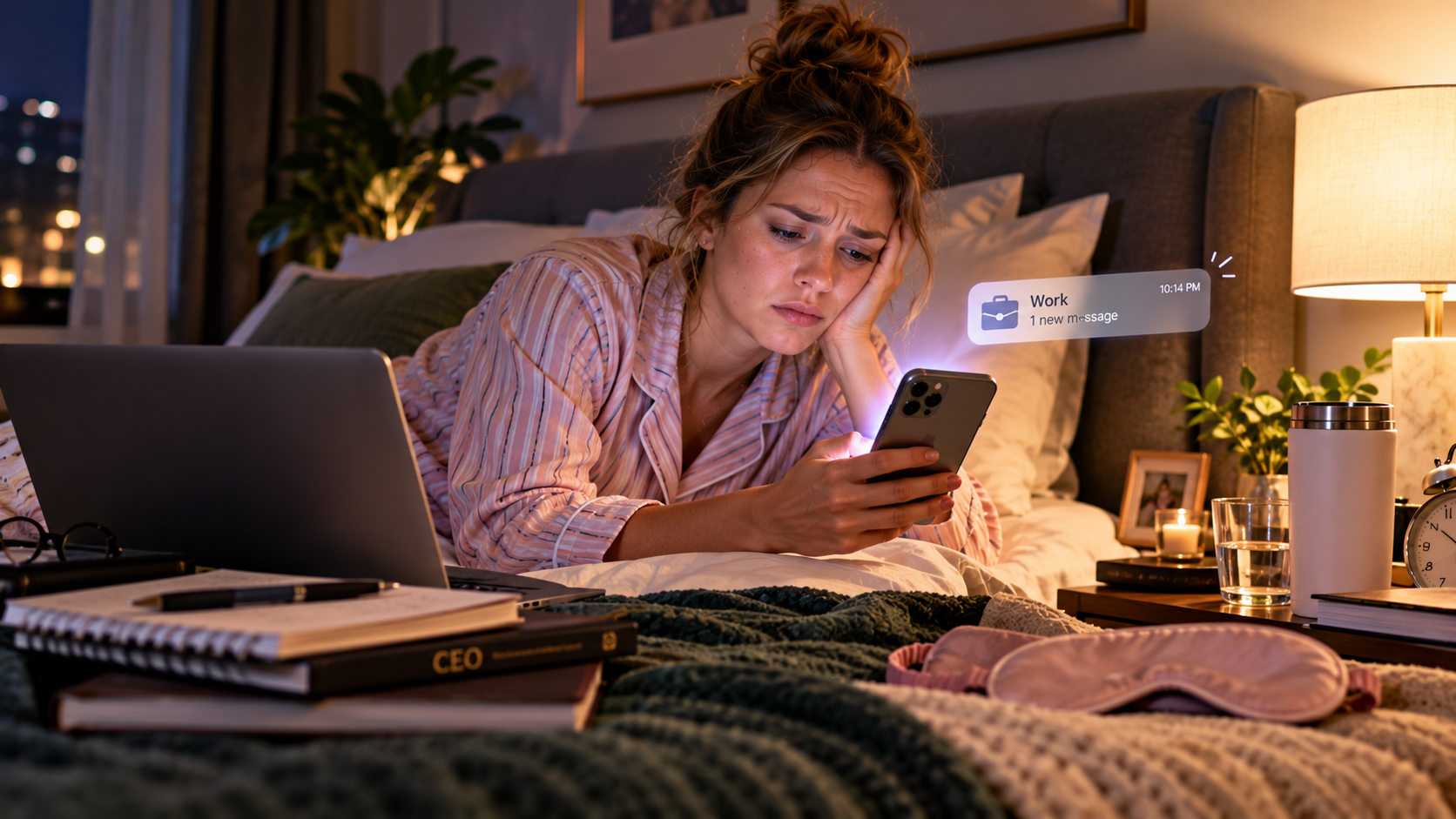
t's 10:14pm. Your phone lights up. It's work. It is never urgent, you are never going to do anything about it tonight, and yet your whole evening just changed temperature.
Featured in this article
Off the Clock — A Work–Life Balance Planner
Let's describe the actual damage, because people underrate it.
The message takes four seconds to read. You don't reply. You go back to your evening. Except you don't, really — some part of your brain has now opened a tab called "that thing" and it stays open until roughly 9am tomorrow. You're physically on the sofa and administratively at work.
That's the cost. Not the reply. The low-level running of your work brain during hours you are not being paid for, and which you cannot switch off by deciding to.
Good news: this is one of the most fixable stressors there is, because it's not really about the messages. It's about the ambiguity.
It's the not-knowing that does the damage
Here's the thing that took me embarrassingly long to work out. The stressful part of a 10pm message isn't reading it. It's the three questions that follow, none of which you can answer:
- Is this urgent, or does it just look urgent because it arrived at night?
- Do they expect a reply now? Will it be noticed if I don't?
- Is everyone else replying? Am I the slow one?
Every one of those is a question about expectations, not about the task. And unstated expectations are the single most reliable source of workplace anxiety, because your brain fills the gap with the worst plausible answer and then rehearses it for four hours.
You can't control when people message you. You can absolutely control what your silence means.
Stop being available. Start being predictable.
Here's the reframe that does all the work in this piece. Most people try to solve the 10pm message by being less responsive — replying slower, on purpose, while feeling guilty about it. That fails, because now you're anxious and unreliable, which is the worst of both.
The thing that actually works is the opposite: become extremely predictable about when you respond, and tell people what that is.
The one line that changes everything
"I check messages between 8am and 7pm. Outside that, if it's genuinely urgent, call me — I'll always pick up."
Put it in your email signature, your chat status, or just say it out loud in a team meeting once. It's not a boundary announcement, it's an operating instruction — and people are relieved to be given one, because they were guessing too.
Notice the second half. The escape hatch is what makes this work. Without it you sound unreachable; with it you sound organised, and you've moved genuine emergencies onto a channel that almost nobody will abuse. In practice, the number of people who ring you at 10pm is approximately zero, because it turns out it was never urgent.
Separate "sent" from "expected"
A huge amount of after-hours guilt comes from one simple misread: someone sending a message at 10pm does not mean they expect a 10pm reply.
Often they're clearing their head before bed. Or they're in another time zone. Or they work odd hours and it's 3pm for them. They fired it off and forgot about it — while you lay awake composing a response.
Two moves here:
- Ask, once. "Do you need these answered same-day, or is next working morning fine?" The answer is almost always "oh no, whenever" — and now you have it in writing, forever.
- Schedule your own send. If you work odd hours, delay your messages to land in the morning. Otherwise you become the source of someone else's 10pm tab. Almost every email and chat app can do this, and almost nobody uses it.
Build a shutdown that's a ritual, not a wish
"Just stop checking" is not a plan. Your brain doesn't stop working on something because the laptop closed — it stops when it believes the loop is closed. So give it evidence.
The five-minute shutdown
| Step | What happens | |
|---|---|---|
| 1 min | Scan for actual fires | One pass. Anything genuinely on fire tonight? Usually nothing. That single check is what buys you permission to stop looking. |
| 2 min | Write tomorrow's first task | Specific enough that morning-you doesn't have to think. This is the bit that stops the 2am "don't forget" wake-up. |
| 1 min | Park the open loops | Anything unfinished, write it down — half a sentence is fine. Unwritten loops are the ones that keep circling. |
| 1 min | Say the sentence | Out loud or in your head: "That's work done for today." Sounds ridiculous. Works anyway — you're giving your brain a finish line it can hear. |
Same order, same time, every day. After about two weeks it becomes a cue, and the cue does the switching-off for you.
The physical separation trick
If you work from home, your brain has no commute to mark the end of the day — so give it a substitute. It can be small and slightly silly:
- Move the laptop. Shut it and physically put it somewhere else. In a drawer, a bag, another room. Out of sight genuinely is out of mind.
- Change something. Different shoes, different lighting, different room. Any sensory change tells your brain the context has ended.
- Take the fake commute. A ten-minute walk around the block at the end of the day. Absurdly effective, and the people who do it never stop doing it.
- Get work off your personal phone. The single highest-leverage change on this page. If work chat lives on the same device you use for everything, there is no off.
When it's the culture, not you
Now the honest part. Everything above assumes the after-hours pressure is ambient — habit, time zones, a manager who fires off thoughts as they arrive. That's most cases, and it responds well to being managed.
Sometimes it isn't. Sometimes there's a genuine expectation that you're reachable at all hours, and that's not a boundary problem, it's a job condition. Worth knowing that this is increasingly treated as a real workplace issue rather than a personal failing — France legislated a "right to disconnect" in 2017, and Australia introduced one in 2024, with other countries following.
You may not have that protection where you are. But the framing is useful: after-hours availability is a thing employers are now expected to justify, not a thing you're expected to absorb silently. If yours can't be reasoned with, that's data about the job — and it belongs in a conversation with your manager, not in another evening of quiet dread.
What actually changes
Give it a month and here's what's different. The messages still arrive — you haven't changed anyone's habits, and you can't. But they stop landing the same way, because the question underneath them has already been answered. You know what your silence means. So do they.
And the 10:14pm buzz becomes what it always should have been: a thing on a screen, to be dealt with tomorrow, by a person who is currently off duty.
The ten-minute setup
- Decide your response window. Write it down. Make it honest, not aspirational.
- Tell people — signature, status, or once out loud. Always include the urgent escape hatch.
- Ask your manager once: same-day, or next working morning? Get the answer on record.
- Set up the five-minute shutdown and run it at the same time daily.
- Move work chat off your personal phone, or at minimum silence it after your window.
Sources
- Australians now have the right to disconnect, University of Sydney (2024).
- Which countries grant workers the right to ignore bosses after work hours, CNBC (2024).
Our daily and weekly spreads have a shutdown block and a tomorrow's-first-task line built in — the two things that let your brain actually close the day. Browse the planners →
Planners for this article
Off the Clock — A Work–Life Balance Planner
Build the five-minute shutdown from this article into an end-of-day routine that actually closes the day.
ViewThe Anchored Day
ViewThe Reset — A Fresh-Start Wellness Planner
ViewPlan it in Arwign Calendar
Written by
Jewel @Arwign
Writes for Arwign Planners on planning, wellbeing and the gentle routines that make a week feel lighter.
Explore our planners

Comments (0)
Sign in to join the conversation.
Be the first to comment.